Section
One button per part.
Intro, verse, chorus, the solo, back to the verse. Each one recalls the tone you dialed for that moment.
The arrangement stays visible.Plug in and hear the part come back the way you meant it.
The sound in your hands and the sound on playback should feel like the same performance. Often they don't.
You know the loop. The guitar feels right under your fingers. Then the vocal comes in. The bass. The drums. Suddenly the low end is cloudy, the pick attack is harsh, the mids are fighting everything — or the guitar just vanishes.
So you start fixing. EQ. Compression. A different IR. Less gain. More presence. Back to the amp sim. Hours go by. Now the part sounds worse, the song still isn't finished, and the thing you heard in your head has moved further away.
That's not a captures problem. That's not a gear problem. The problem was never great guitar tone — great tone is everywhere. The problem has always been fitting that tone into the song.
That's the problem Flowstate solves.
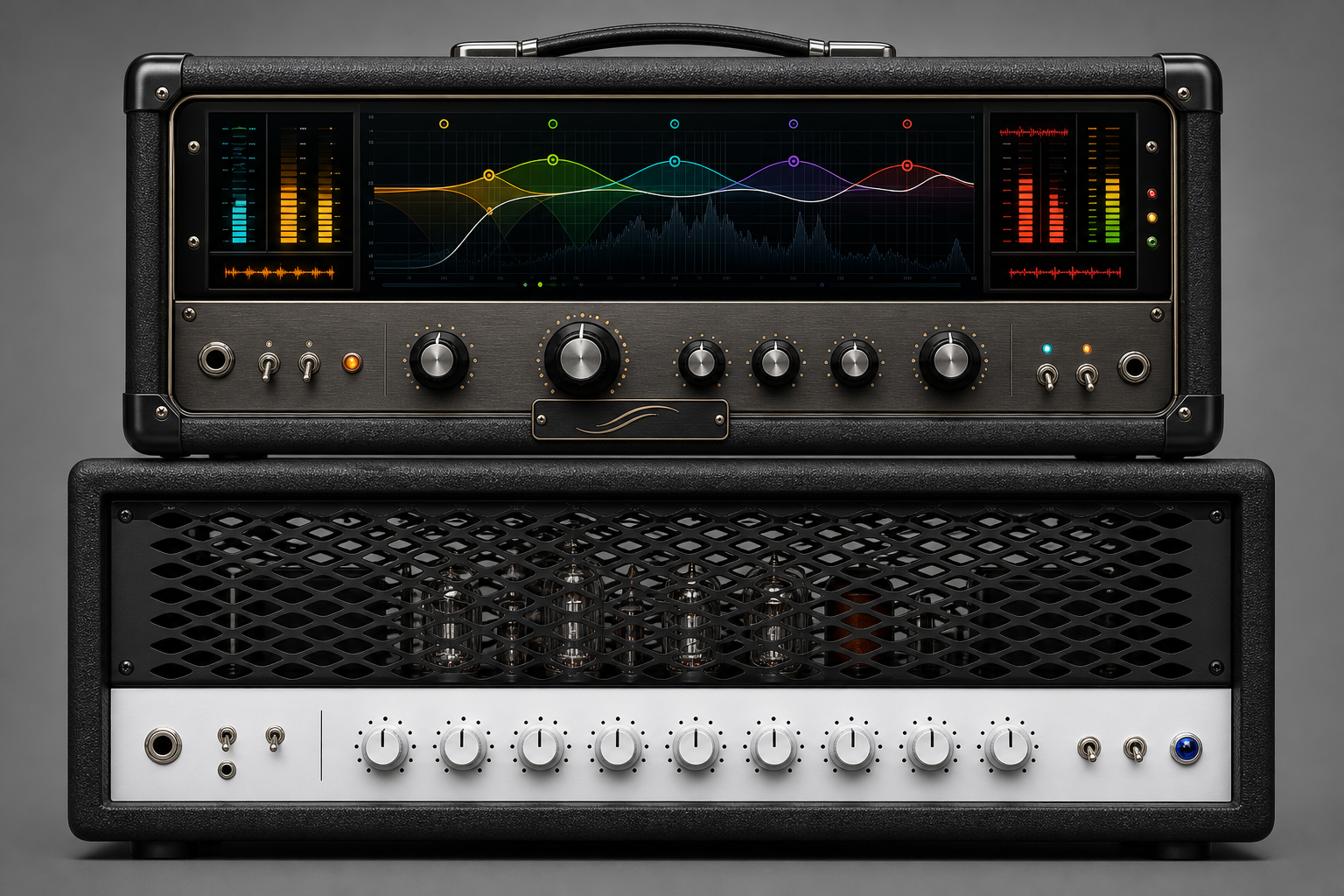
Most guitar software starts at the amp and hopes the song works out. Flowstate starts the other way around — with the part the guitar is actually playing.
A verse rhythm and a chorus wall are not the same job. A lead that has to cut and a texture that has to disappear are not the same job. So Flowstate begins with a simple question:
What is this guitar doing in the song?
Sit under the vocal. Fill the chorus. Drive the rhythm. Carry the hook. Hold a texture. Lead the moment.
Start with the job, and the controls give you musical moves that help the tone do it — so the part belongs the first time, instead of after an hour of fixing.
Load the song you're working on, right into the plugin. Mark its sections — intro, verse, chorus, bridge. For each section, choose what the guitar is there to do: rhythm support, sit in the mix, chorus-wide, hero solo, share the vocal space.
Flowstate listens — to your tone and to the track around it — and points you toward the moves that help the guitar sit where the song needs it. You dial them in by ear, playing along to the real song, until the part sounds the way it should in the mix — not just soloed.
Save it as a match for that section. Build them up across the whole arrangement.
You're not guessing how the guitar will sit on playback. You're hearing it sit, while you play.
Every match you save becomes a button on the Live page — one per section, laid out like pedal switches that know where they are in the song.
Intro, verse, chorus, the solo, back to the verse. Each one recalls the tone you dialed for that moment.
The arrangement stays visible.The decisions are already made — you just play through them. Your tones are waiting where the song needs them.
You stay with the part.Bring it into your DAW and Flowstate follows the song's section timing, so the matches you saved for each part land where they belong.
Your decisions, recalled in time.You made every one of them. Flowstate just remembers where they go.
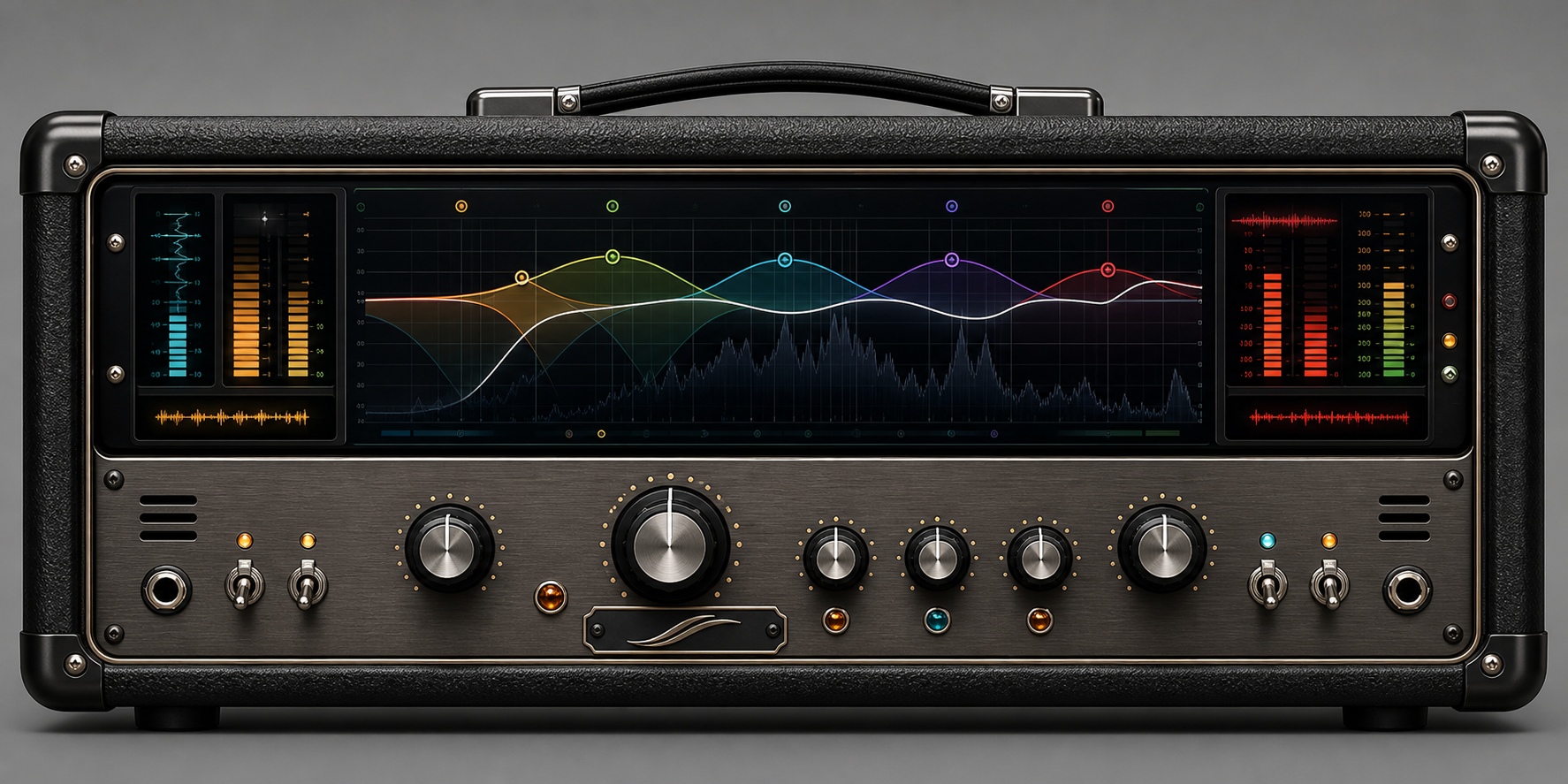
Five controls, placed where your hands can reach them. Turn one and the whole chain responds — not just one frequency, the whole picture — the way a mixer's hands would move together.
These are the moves that shape a record, placed where a player can reach them.
At your desk with a mouse, or on a tablet on the couch — it's one Flowstate, not a stripped-down mobile version. Same sound. Same chain. Same song decisions.
Touch puts the moves that matter — Source, Pedal, Amp, Output, and your Live switches — where a player can reach them, with targets sized for fingers instead of a cursor.
The software disappears, the depth stays. Easy to start because nothing's in your way. Difficult to outgrow because everything's still there when you go looking.
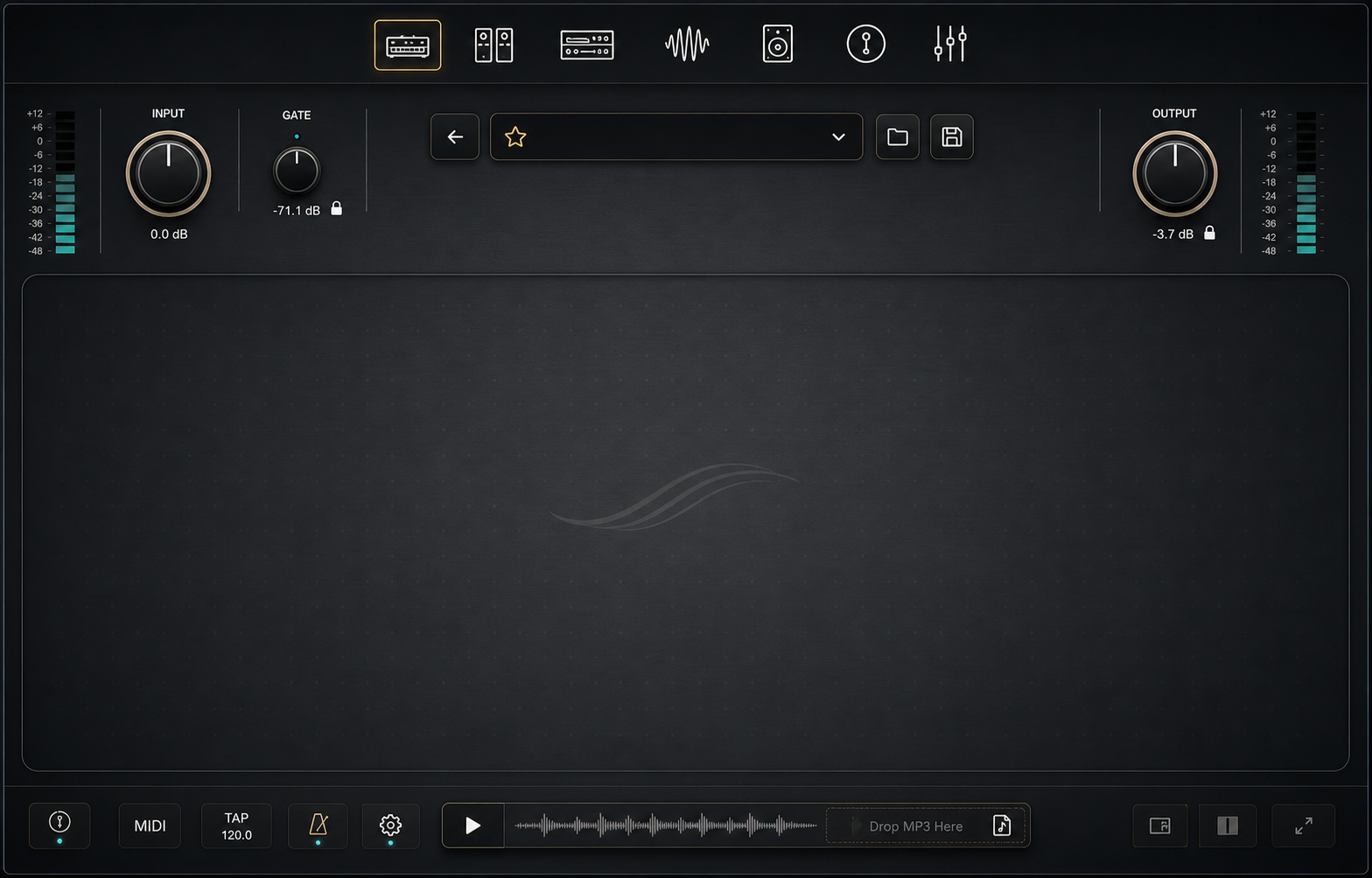
Plug straight in, run Flowstate after your existing rig, or load a song and play without opening a session.
Input staging, pedals, the built-in Flowstate voice, WAV cabinet IRs, the desk, effects. A complete path from guitar to playback.
For the home recorder.Already running a Quad Cortex, ToneX, Neural DSP, or Kemper? Run Flowstate after it. Keep the tones you love. Make them sit like records.
For the hardware and plugin user.Load a song, dial your sound to fit it, and play — no session required.
For focused playing.Flowstate is the chain around your captures — not a replacement for them. Load the NAM captures and WAV cabinet IRs you've made, bought, or downloaded, and let the chain help them translate.
The part still has to work in the song. That part doesn't change.
Empty rig shell ready for selected captures and WAV IRs
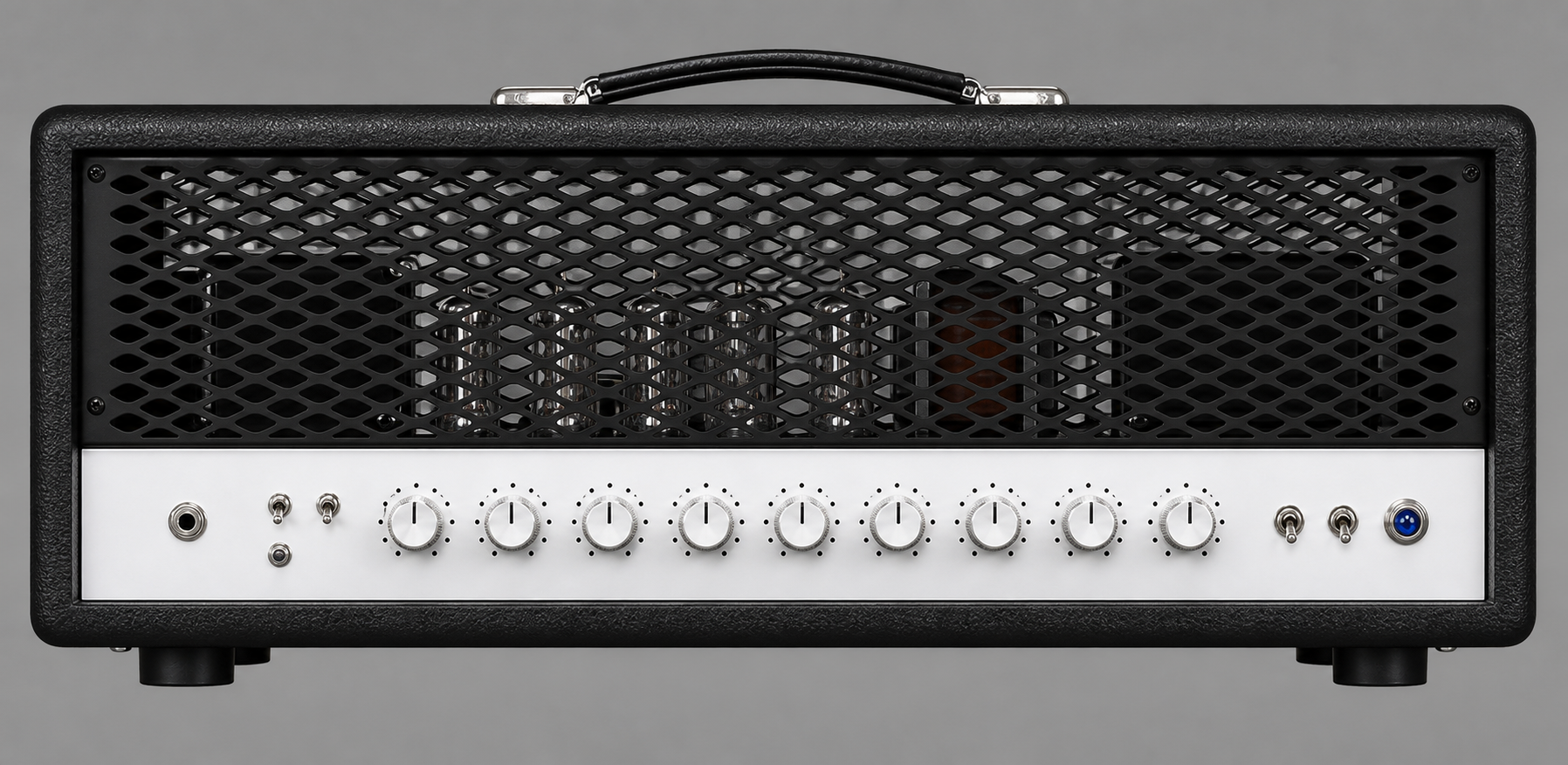 Modern high-gain capture direction
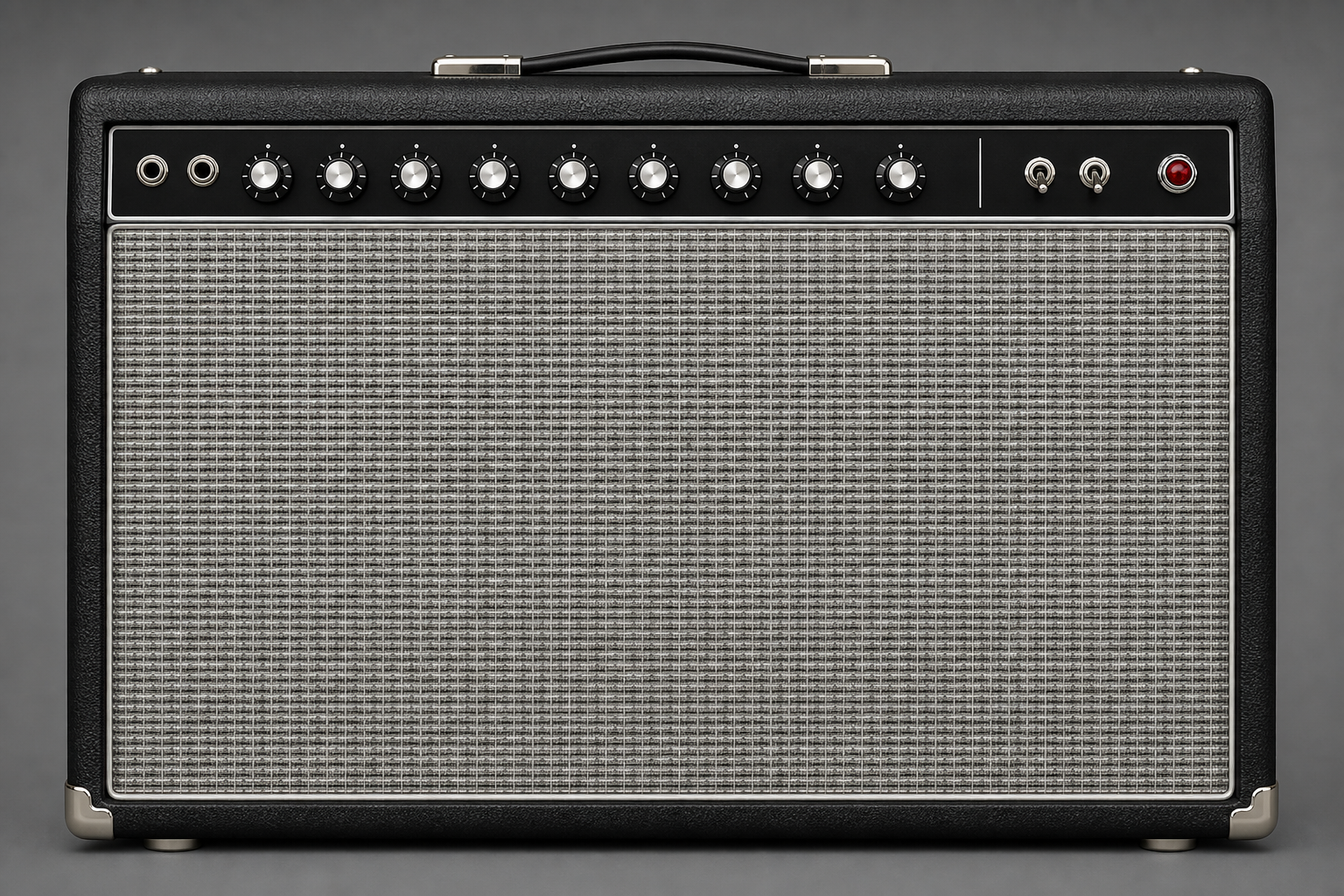 Vintage combo capture direction
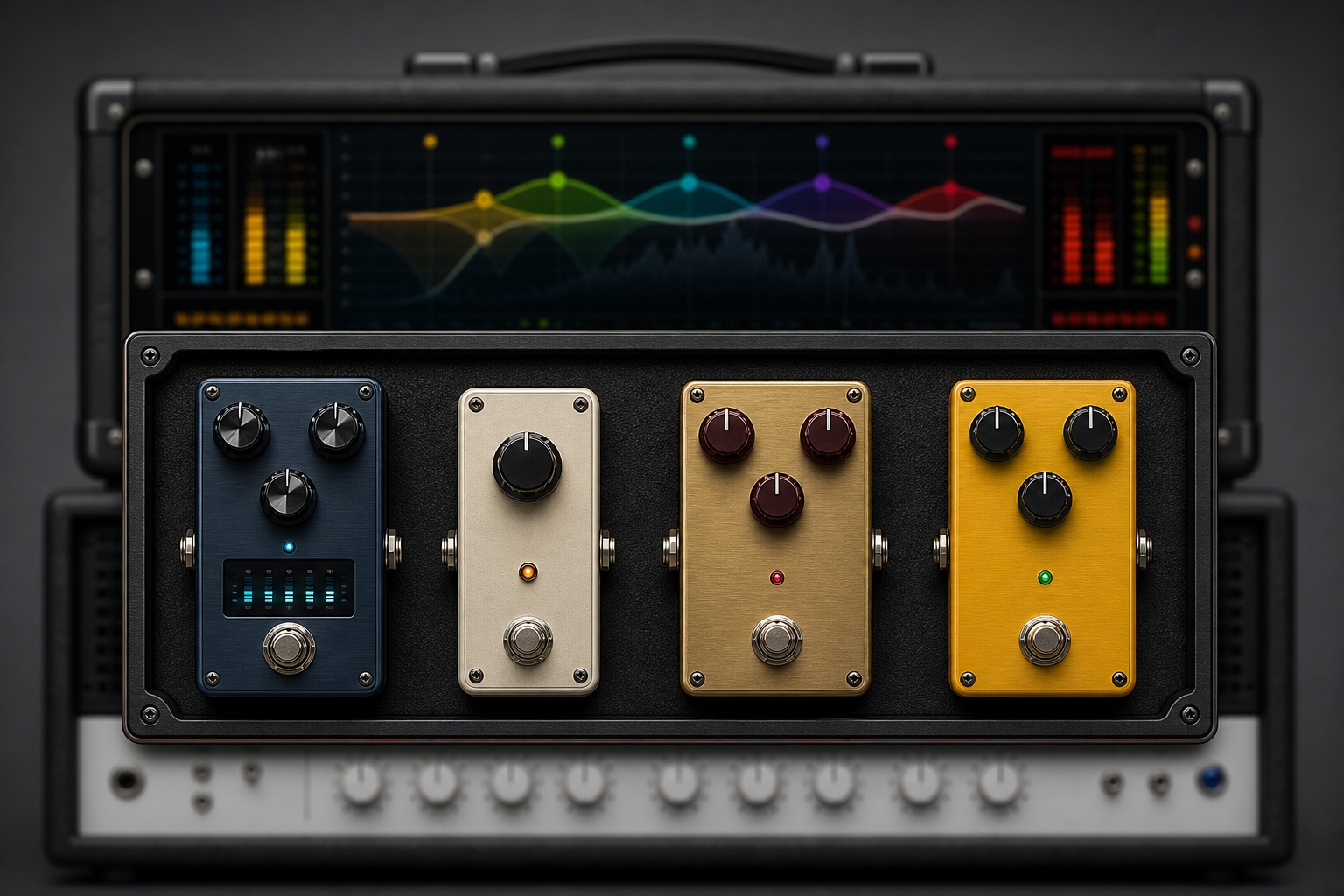 Drive-chain ideas and pedal textures
Neural DSP. ToneX. Fractal. Kemper. Excellent tools, all of them — and they make superb amp tones. That problem is solved.
But great tone alone was never the hard part. The hard part is making that tone belong in the song you're actually playing — and play it back, section by section, when you perform it.
That's not a better amp. It's a different job. Most guitar software is trying to recreate an amplifier. Flowstate is trying to finish a performance — which is exactly why many players use both.
You don't want to sound like an amp in a room. You want to sound like a record.
We're not replacing your gear. We're solving what happens after it.
I've been playing guitar for more than 50 years. In all that time, the thing that stopped more players — and stifled my own recordings — is the gap between what you play, what you hear in your head, and what comes back.
You nail the take. You feel it. The idea is alive. Then you hit playback, and the guitar that felt huge under your fingers sounds small. Harsh. Or just wrong. Not because you played it wrong. Because the recording didn't tell the truth about what you played.
You used to need a great room, a trusted engineer, and a lot of experience to close that gap. Flowstate is what I built because I got tired of that gap existing.
Not to replace the studio. Not to fake the sound. Just to give every guitarist a better mirror — so the take comes back sounding closer to the thing they had in their head. Present. Finished. True.
Sometimes you just want to play.
And what's in your head — you want it to be that.
— Justin Partridge, Flowstate
Because a tone dialed in solo is usually built for isolation — heavy lows, bright highs — and those are the exact frequencies the bass, kick and vocals also need. In a mix, the guitar ends up fighting them. The fix is shaping the tone for its place in the song, not for how it sounds alone. That's the specific problem Flowstate is built to solve.
It includes amp tones and works with your NAM captures and IRs, so yes — but that's the starting point, not the point. Most amp sims focus on recreating gear. Flowstate focuses on making the guitar fit the song and recalling those decisions when you play. It's the chain around your tone, not just another amp.
Yes. Load the NAM captures and WAV cabinet IRs you've made, bought or downloaded. Flowstate is the chain around your captures, not a replacement for them.
Flowstate runs as a plugin in your DAW, as a standalone app, and on touch devices — the same Flowstate across all three. Mac first at launch.
Those are excellent tools and make superb amp tones — that problem is solved. Flowstate solves a different one: making the tone belong in the song you're playing, and recalling it live, section by section. Many players use both — great tone from one, the right fit from Flowstate.
No. You choose what the guitar is doing in the song — sit under the vocal, fill the chorus, lead the moment — in plain musical language. Flowstate handles the moves that make it happen. The depth is there if you want it, never required to start.
You save a tone match for each part of the song — intro, verse, chorus. On the Live page each becomes a button, like a pedal switch that knows where it is in the song. Play through and the right tone is there for each section. Your decisions, recalled in time with the song.
Free beta is coming soon, Mac first. Join the beta list to get access when it opens.
They'll hear what you meant.
If you know the feeling of a take sounding right under your hands and wrong on playback, this beta is for you. Plug in, load your song, and hear the guitar take its place.
The software disappears. The creative state remains.
You're here. The guitar, in the song, finished and playable.
Keep every song organised, from first idea to finished master.
Every tool starts from the same question: what wall is stopping talented musicians from finishing their work?